
The Pokémon restock you want shouldn’t take five open tabs
Use Side Quest’s Discord drop alerts to follow the products you actually want without checking retailers all day.
Before we dive in
Side Quest’s #drop-alerts channel is a read-only feed for retailer alerts. It gives members one place to see which product triggered the alert and where to check the listing.
At some point, you stop looking for a box of Pokémon cards and start maintaining a small fleet of browser tabs. Target remembers your ZIP code. Walmart wants you to sign in again. The tab you thought was Costco turns out to be a search you opened yesterday. And you still haven’t picked which box you want.
Choose what deserves your attention
Follow the channel closely during a release you care about, then mute it when you’re done shopping. The feed is there either way. If you only want one Delta Reign Booster Bundle, write down the product, a price you’d pay and any seller restrictions before the next ping.
A short list does something no retailer tab can do. It tells you whether the listing is worth opening in the first place. When the alert names a different box, you can keep going with your day.
Make room for the drops you actually want
The point of collecting alerts in one place is to give you back the time you’d spend polling stores. You’ll still miss some drops. If you check Discord over lunch, see nothing you want, and close it in thirty seconds, the feed has done its job.
An imagined collector moment
“I wanted one Booster Bundle. By lunch I knew more about three retailers’ login screens than I did about the set.” (Fictional scenario.)
Find Side Quest Drop Alerts
Open #drop-alerts in the Side Quest Discord. The channel is read-only, and you can mute it and check the feed on your own time.
Sources & photo credits
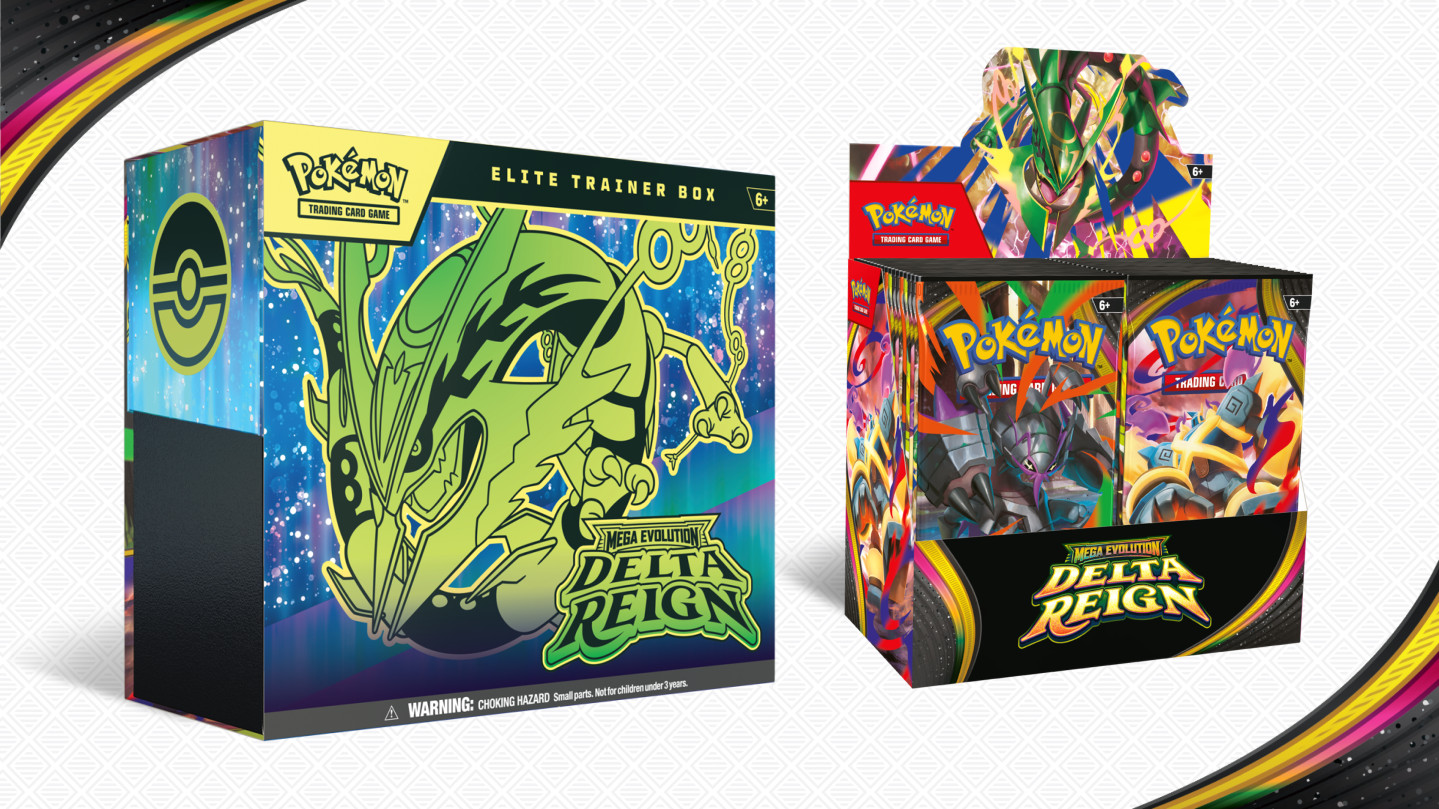
Source: Side Quest Live ↗© Pokémon. Official Delta Reign product artwork.Watch our release-day coverage
Is Delta Reign Worth Buying? Chase Cards & Product Guide | Episode 11