
Restock, queue, or drawing? Learn which clock you’re racing.
A direct restock, a virtual queue and a drawing each ask you to do something different.
Before we dive in
The same retailer can use different methods for different releases. Read the instructions on the page linked in #drop-alerts to find out what applies to that offer.
Discord pings tend to sound equally urgent. Retailers have a more complicated relationship with time. A direct restock can disappear before checkout. A queue can ask you to wait. A drawing can give you an entry window, then a shorter window to buy if you’re selected.
For a direct restock, check the offer
Open the listing and check the seller, price and fulfillment option. If all three fit what you want, continue to checkout.
For a queue, follow the waiting-room instructions
If the retailer asks you to leave the tab open, leave it open. Once you get through, check the item you came for. Your place in line gives you access to the store, where stock can still change.
For a drawing, check both deadlines
Look for the entry cutoff, eligibility rules and how the retailer contacts selected shoppers. Find out whether you’ll have to come back to buy and how long you’ll have to do it. An entry reminder helps you get in. A reminder to check the result helps you follow through.
An imagined collector moment
“I set a reminder for the entry deadline. The reminder I needed was the one for checking whether I got picked.” (Fictional scenario.)
Find Side Quest Drop Alerts
Open #drop-alerts in the Side Quest Discord. The channel is read-only, and you can mute it and check the feed on your own time.
Sources & photo credits
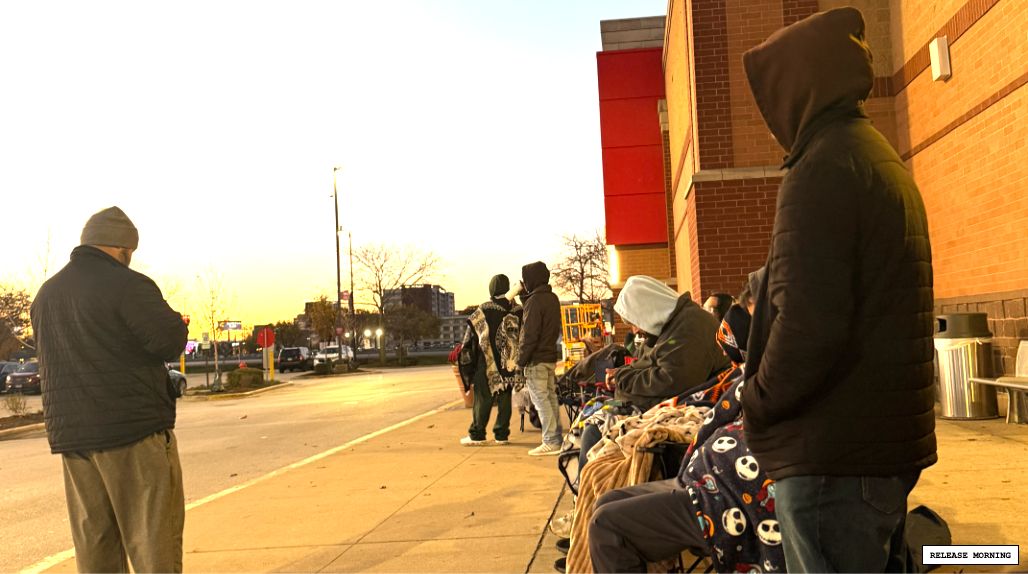
Source: Side Quest Live ↗Photo supplied to Side Quest Live.Watch our release-day coverage
How to Score Pokémon Center Drops in 2026 (Full Guide) | WITH 100% Guarantee!